I recently came across [a post][https://computer.rip/2026-03-14-lotusnotes.html] by J.B. Crawford (check him out, he’s awesome) outlining the history and ancestry of Lotus Notes. It’s fascinating, and worth looking into if you have a bunch of free time. Notes naturally appealed to both my intense love for 90s software and strange fascination with application layer operating systems(but I suppose I am being generous). Naturally, I decided to install whatever version I could find to play around with it.
Someone kindly uploaded to archive.org Lotus Notes 4.1 and 4.5 plus various related products in their orbit. With no issues whatsoever, the server and client applications install and run on Windows 11.
Frankly, upon skimming the (several) manuals for Notes 4, I have concluded that it is likely not worth my time to fully understand the administration model for Notes. It’s… comprehensive. It seems like the client application is capable of running a headless server that is local-first, or you can choose to connect to an existing server via various network protocols (it wouldn’t be the 90s otherwise). I simply created a local server and admin user, and we are up and running.
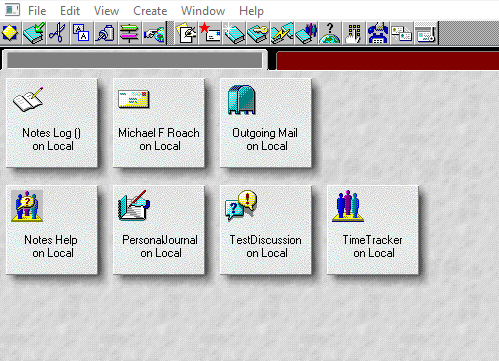
Unfortunately I had no luck at all finding any publicly available Notes databases. Perhaps a decade ago it would have been easier, but considering the version I’m running I doubt I’d get lucky enough to find anything compatible anyways.
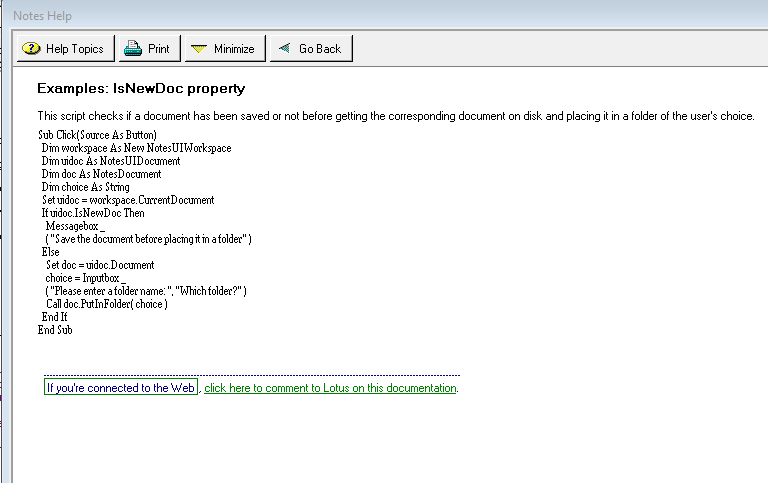
At this point I started to familiarize myself with LotusScript, at the time the best way to add advanced functionality to Notes ‘databases’. Fortunately, there is a lot of documentation to be found free on archive.org. Unfortunately, writing LotusScript in the suite is kind of a pain for various reasons. You’re largely limited to a simple text box with no completion whatsoever, and all of the actual function docs are in the built in help database(which is not nicely formatted and can only be displayed in Tahoma at a tiny size). I did find that there is some amount of interop with LotusScript and C, apparently older versions of Notes required writing C for any advanced functionality, and newer versions allowed for calling Lotus functions from C and exposes any custom functions as well. Later on there was a lot of Java integration. For the sake of masochism I decided I’d just stick to LotusScript.
Building an ‘application’ in Notes means following their ‘database’ structure. Your ‘workspace’ will consist of various databases, each typically acting as a small application with various ‘views’ and ‘forms’. Each database is a genuine database, but instead of rows we have ‘documents’ and these documents are typically created via forms(self explanatory) or some logic pulling data from elsewhere. Here’s an example form:
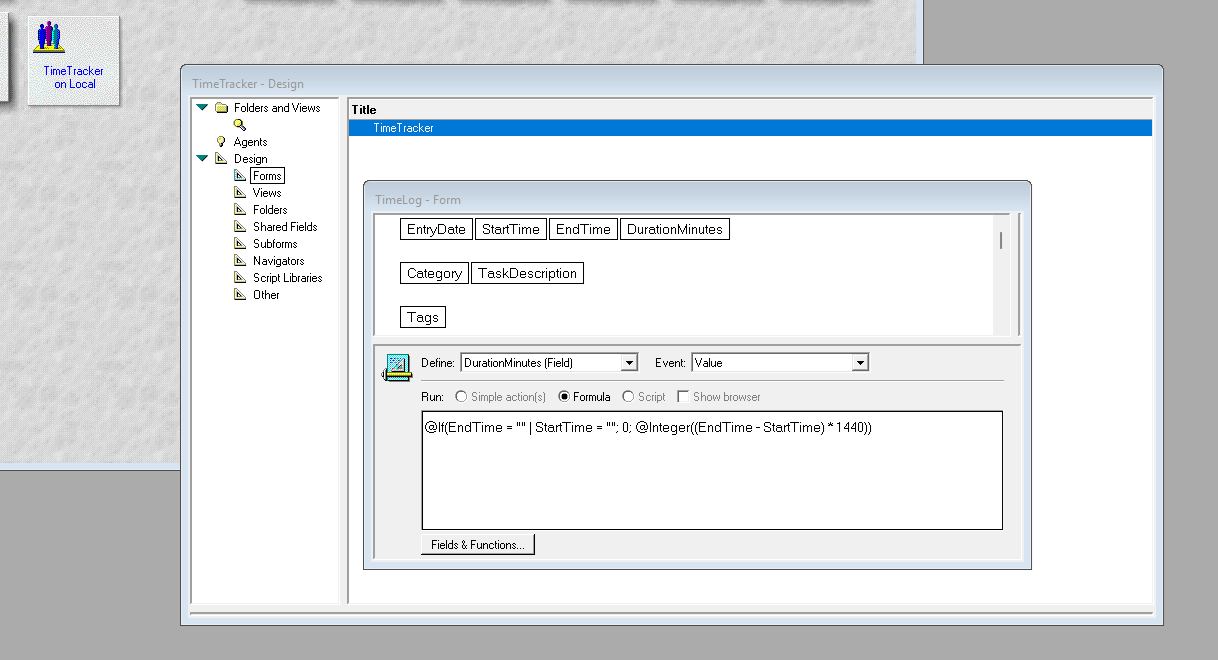
All of the design and programming will be done in this ‘designer’ dialog. It is not modern by any means but it’s surprisingly simple to use. It will quickly tell you if you’ve done something wrong, but you can still get runtime errors. One of the most annoying things about the designer is that errors are listed in this dropdown menu:
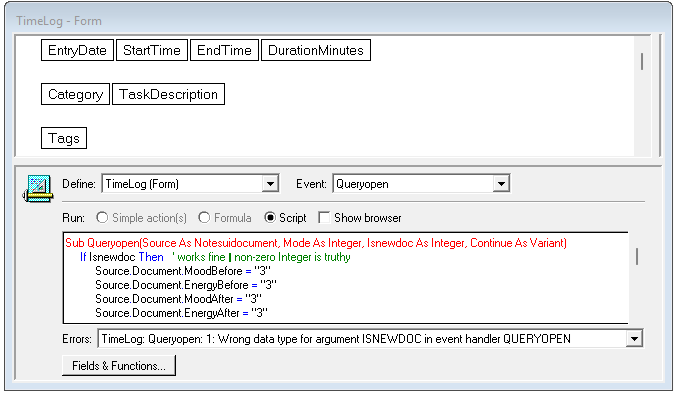
No chance at copying and pasting. Not that a search engine would be any help… though, to my surprise, Claude is fairly good at producing LotusScript. He’s just not too familiar with the limitations of this version of LotusScript. So there are a lot of snags. Verbose errors were apparently not invented yet:
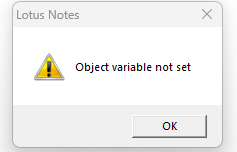
They did helpfully include a builtin LotusScript debugger, breakpoints and all:
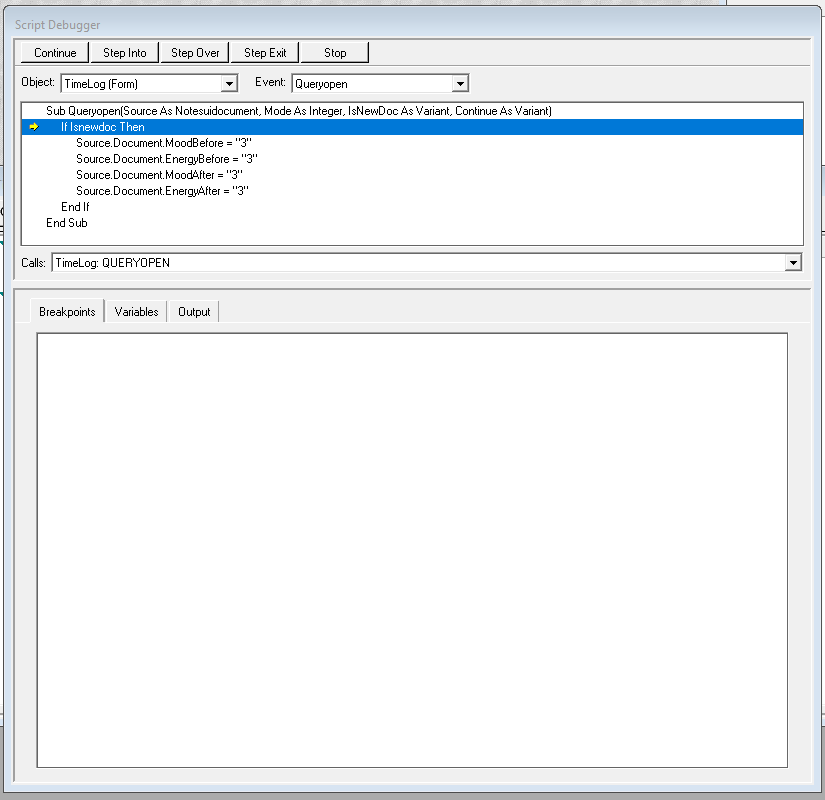
But you can’t use any other dialogs, including help, while debugging. :\
I think it will take some time before I finish this project. All the little rough edges add up to a somewhat unpleasant experience, as much as I like the system.